cover

Rocket League Sideswipe

Info, Guide, Walkthrough, Tips, Glitch, News

Rocket League reimagined for mobile in a fast-paced 2D perspective.

Ratings

4.7

Age

4+

Category

Sports

Languages

ENG
Dinsun

Dinsun Review

Apple Arcade review

69/100Dinsun Score
A dry but accurate darts simulation that rewards a steady hand and patience.

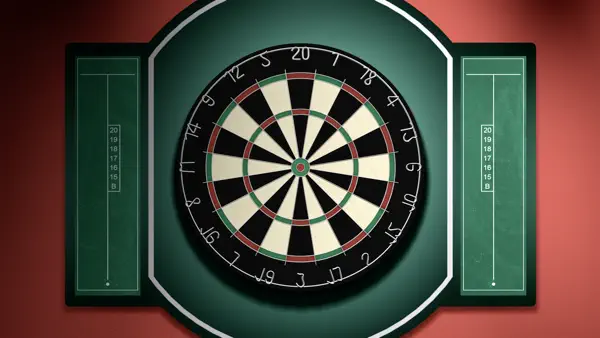
Dinsun here. Darts is a game of millimeters, and translating that to a touch screen is always a gamble. This app uses a swipe-based system that is sensitive—perhaps too sensitive. Once you calibrate your finger, it becomes a solid test of consistency.

Like the Snooker title from the same dev, the visuals are nothing to write home about. It looks like a sports bar from 2005. But it has the rules right, and the AI doesn't cheat, which is all I really ask for in a simulation. It’s for people who know what a 'double-out' is. It’s not 'fun' in the modern sense, but it is a competent recreation of the sport.

Overall Stats

gameplay7/10
narrative0/10
visuals5/10
audio5/10
performance8/10
fun5/10
mechanics8/10
story0/10
character0/10

Pros

  • Deep tournament modes
  • Accurate scoring and rules
  • Good variety of dartboard styles

Cons

  • Steep learning curve for touch controls
  • Boring presentation
  • Sound effects are repetitive

Value

Buy Full Price (If fan of the sport)

Playtime

N/A (Sports)

Who will enjoy it?

Play if:You are a darts enthusiast who wants a serious mobile practice tool.

Skip if:You want an arcade-style game with power-ups or flashy effects.

Similar Games

Darts of FuryPDC Darts

Technical Notes

Stable; low power consumption.

Accessibility Features

  • Adjustable throw sensitivity
  • Visual aim assists
Played on iPhone 15 Pro6 hours playedWon the World League
Reviewed by Dinsun on Mon Apr 13 2026
Hit the pitch for high-octane 2D car soccer! Compete in 1v1 or 2v2 matches with fast-paced gameplay and deep customization in 2-minute rounds.

Screenshot

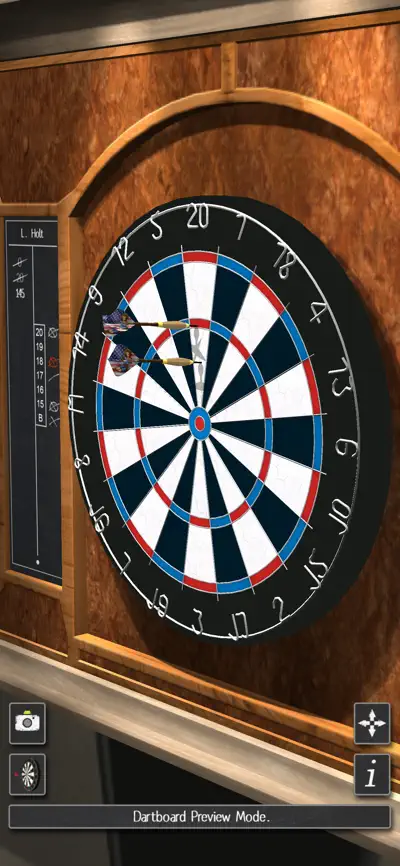
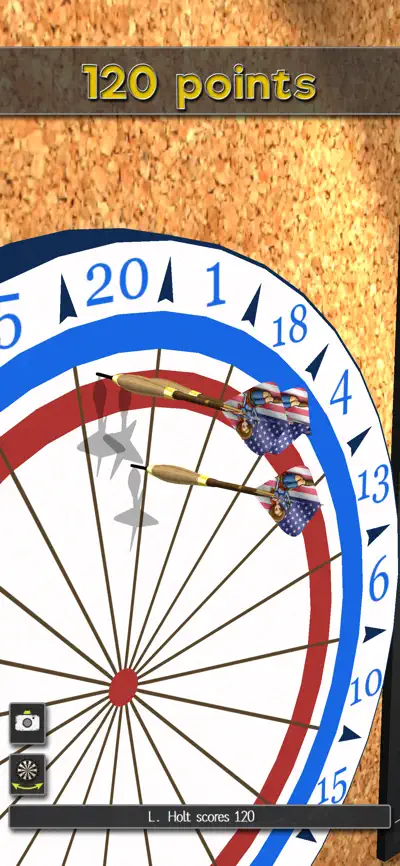
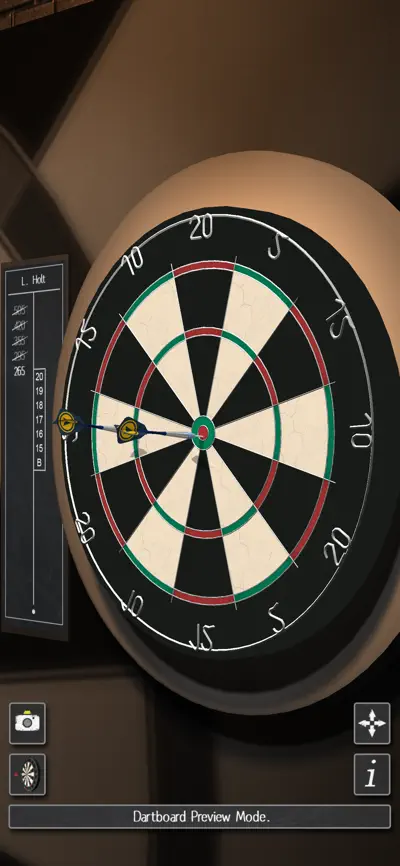
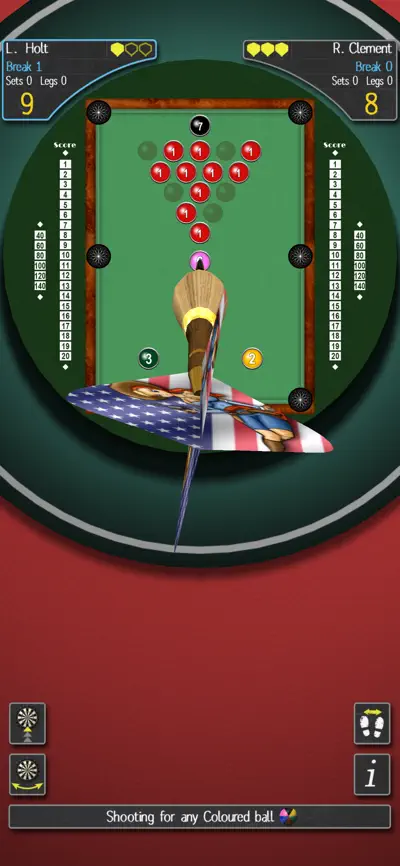
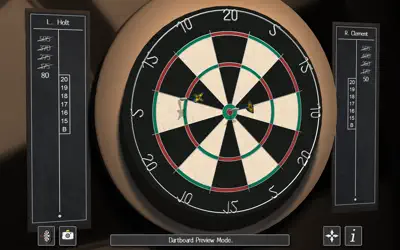
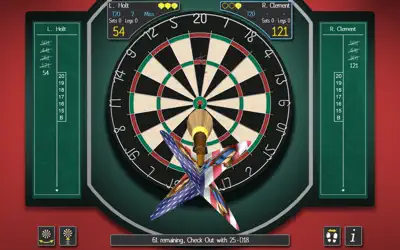
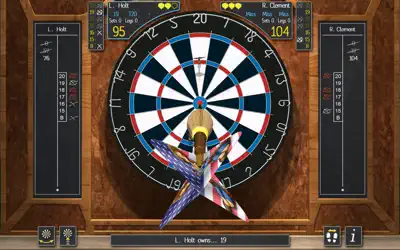
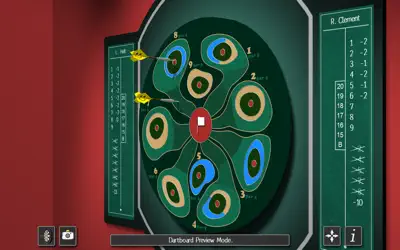
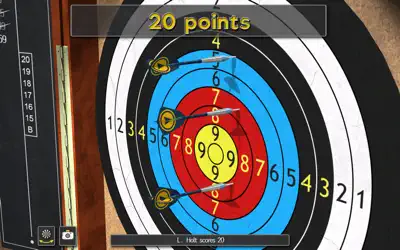
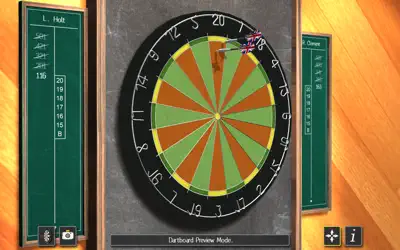
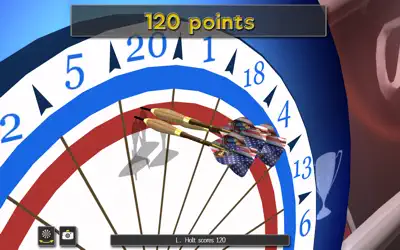
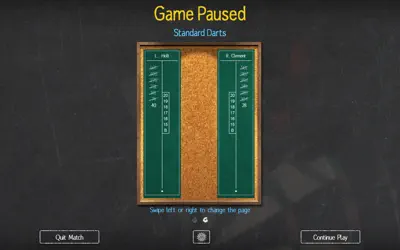
Here are some screenshots of the game.

screenshot 0screenshot 1screenshot 2screenshot 3screenshot 4screenshot 5screenshot 6screenshot 7screenshot 8screenshot 9screenshot 10screenshot 11screenshot 12screenshot 13screenshot 14screenshot 15screenshot 16screenshot 17screenshot 18screenshot 19screenshot 20screenshot 21screenshot 22screenshot 23screenshot 24screenshot 25screenshot 26screenshot 27screenshot 28screenshot 29

Features

Walkthrough

Getting Started with Pro Darts 2022

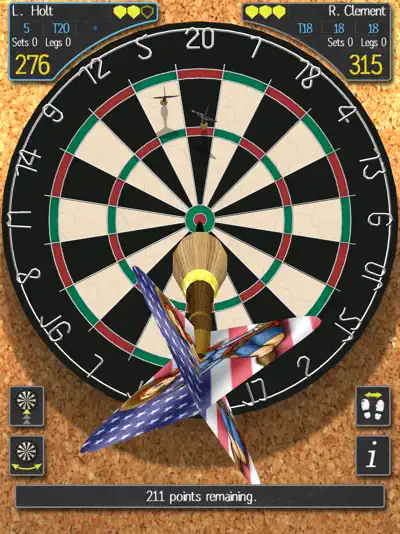
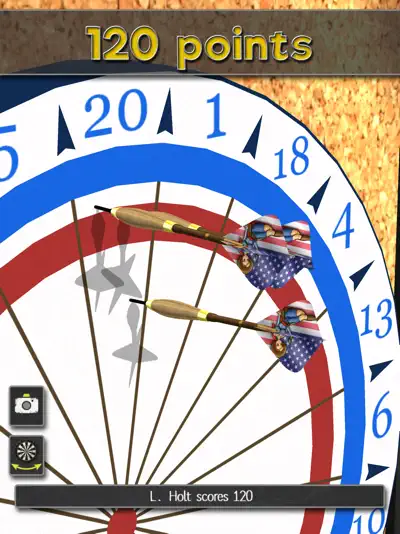
Launch the app and select your preferred game mode from the main menu, such as 501 or Cricket. Customize your darts by choosing from millions of combinations of barrels, stems, and flights. Use the 'swipe to throw' mechanic to aim and throw darts by sliding your finger across the screen. Adjust the player assist level (None, Low, Medium, High) to match your skill level. Explore practice mode to hone your skills or jump into quick play for a match against friends or AI opponents.

Mastering Multiplayer

Engage in multiplayer modes by selecting 'Online Play' to compete against global players, 'Local Network' for nearby opponents, or 'Pass and Play' for local fun. In online matches, check opponent stats like abandonment rate to gauge their reliability. Use the in-game chat to communicate during matches.

Gameplays

Classic 501

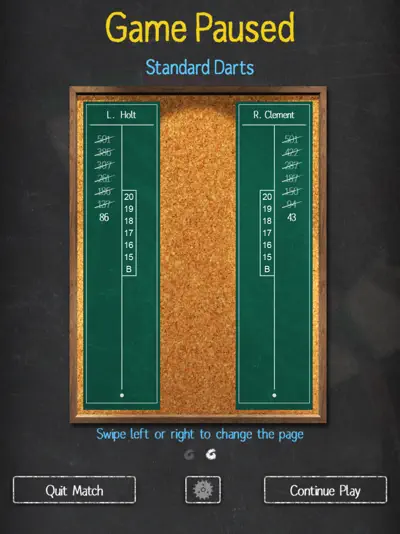
Start with 501 points and aim to reach zero by hitting the board’s scoring areas. Focus on doubles to finish the game. Customize the number of sets and legs for a tailored experience.

Cricket Darts

Target specific numbers (15-20 and bullseye) to close them out while scoring points. The first to close all numbers and have the highest score wins. Use the player assist system to hit tricky targets.

Round the Clock

Hit numbers 1 through 20 in sequence, with options for doubles or trebles variations. This mode is great for practicing precision and consistency.

Questions And Answers

Here are some possible questions and answers that you might find useful

    Questions And Answers

    Here are some possible questions and answers that you might find useful

    1. Q:How do I improve my accuracy in Pro Darts 2022?

      A:Practice in the 'Practice' mode to get comfortable with the swipe-to-throw mechanic. Adjust the player assist level to 'Low' or 'Medium' to help with aiming doubles and trebles. Spend time in Round the Clock mode to enhance your precision on specific board segments.

    2. Q:Why do opponents quit during online matches?

      A:Some players may abandon matches if they fall behind, as noted in user feedback. To avoid this, check opponents’ abandonment rates in their profiles before joining a match. You can also play against AI opponents for a consistent experience.

    Games that you may also like to play

    If you are looking for more games to play, we have some suggestions for you. Based on your gaming history and preferences, we have selected some games that are similar to the ones you enjoy. These games offer you fun and engaging experiences that suit your taste. You can find the list of games that you may also like to play below.

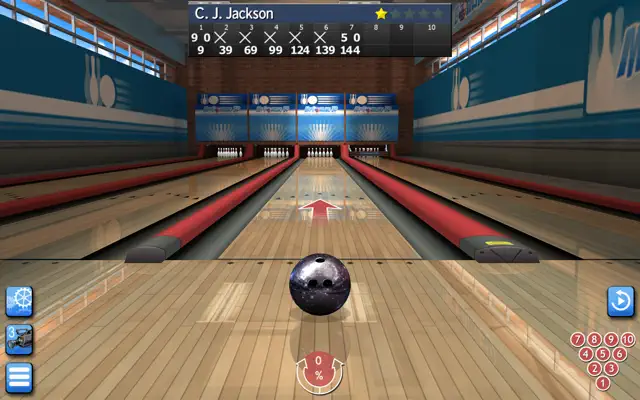
    1. My Bowling 3D+
      Family
    2. The Game of Life 2+
      An Official Hasbro Family Game
    3. SUMI SUMI : Matching Puzzle+
      Enjoy with kawaii characters!
    4. Summer Pop!+
      Vacation & Match 3 Puzzles
    5. Gin Rummy Classic+
      Card
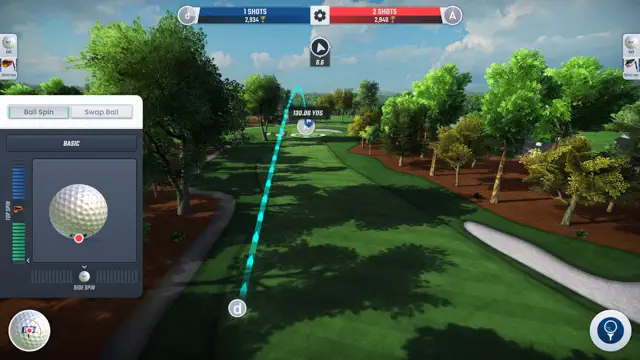
    6. PGA TOUR Pro Golf
      Play world-famous golf courses
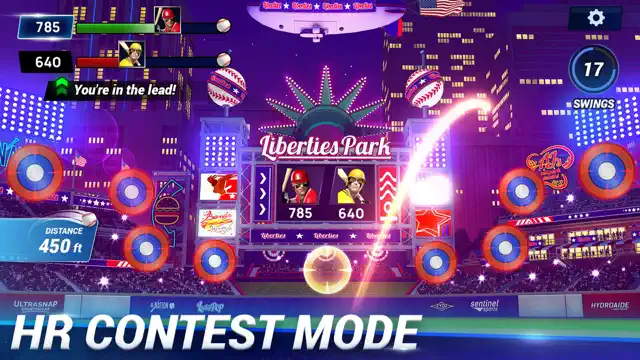
    7. Ballistic Baseball
      Real Baseball
    8. Cricket Through the Ages
      History, Told Through Cricket